Buying Guides · updated 2026-10-16
How Much Storage Does a Security Camera Need? SD Card vs NVR vs Cloud
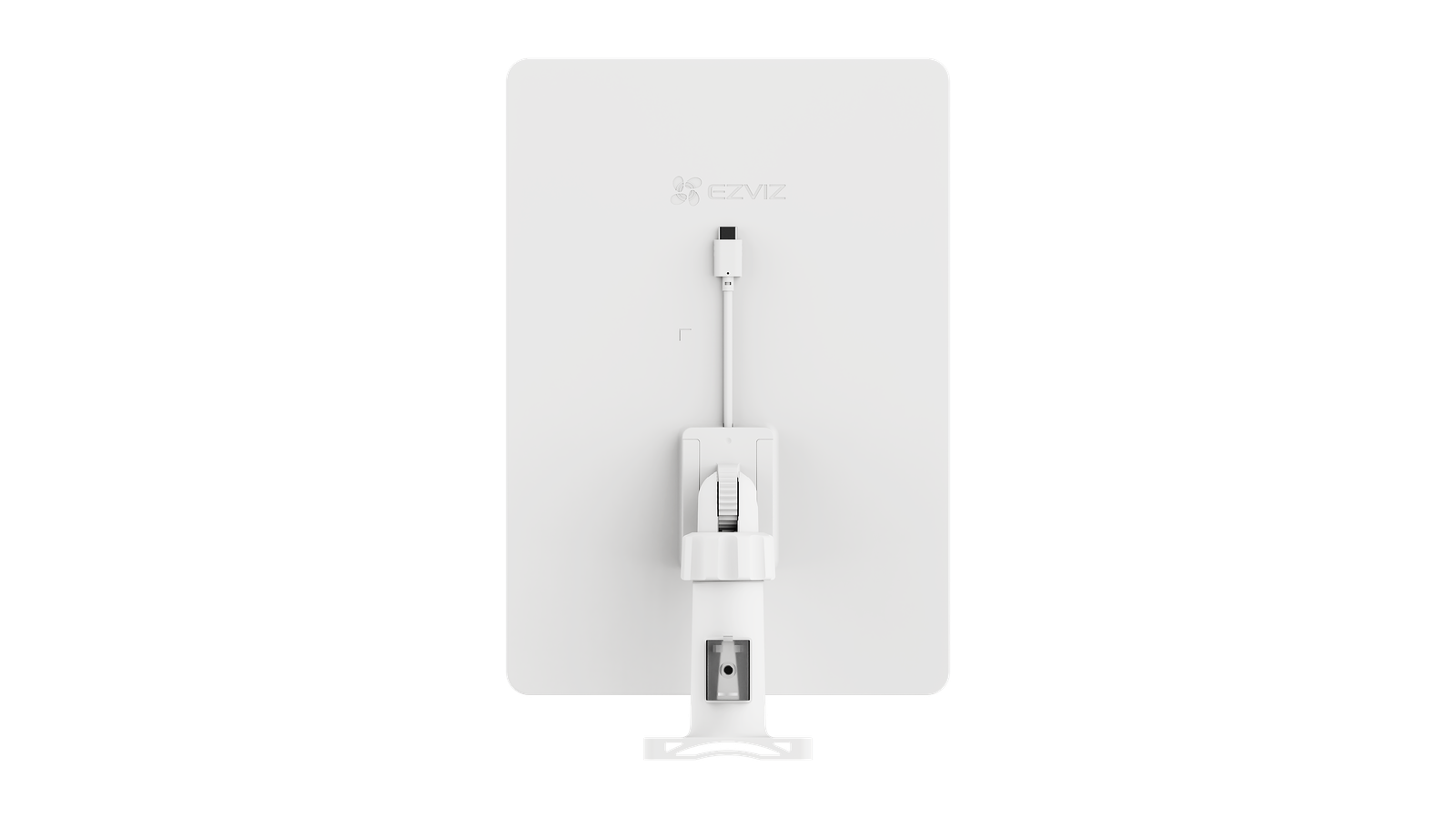
Quick answer: For one 4-8 MP camera, plan roughly 1-2 GB per hour of continuous recording. A 256 GB SD card holds about 1-2 weeks of motion-triggered clips, a 2 TB NVR hard drive stores 2-4 weeks of continuous footage from four cameras, and cloud plans typically keep 7-30 days of events. Motion-only recording cuts storage needs by 60-90%.
How much storage does one camera actually use?
Storage use depends on resolution, bitrate, frame rate and codec. With the efficient H.265 codec, typical continuous-recording figures are:
| Camera resolution | Typical bitrate | Storage per 24 h | 1 TB lasts (1 camera) |
|---|---|---|---|
| 2 MP (1080p) | 2-4 Mbit/s | 20-45 GB | 3-6 weeks |
| 4 MP (2K) | 4-6 Mbit/s | 45-65 GB | 2-3 weeks |
| 8 MP (4K) | 6-10 Mbit/s | 65-110 GB | 1-2 weeks |
H.265 roughly halves the space of older H.264 at the same quality, and vendor variants such as H.265+ save even more on static scenes.
SD card, NVR hard drive or cloud – which should you choose?
- MicroSD card (in the camera): best for 1-3 standalone Wi-Fi or battery cameras recording motion events. 128-512 GB cards give days to weeks of clips. Choose High Endurance cards – ordinary cards wear out from constant rewriting.
- NVR with hard drive: the right choice for kits with continuous recording. A surveillance camera kit with a 2 TB drive keeps roughly 2-4 weeks of 24/7 footage from four 4-5 MP cameras. Drives are swappable, so you can extend retention any time.
- Cloud storage: excellent as an off-site backup – footage survives even if the camera is stolen. Usually subscription-based with 7-30 day event history. Best combined with local storage rather than used alone.
How long should footage be kept?
For homes, 1-2 weeks is usually enough to notice and review any incident. Businesses often keep 30 days; some insurers and industries expect specific retention periods. Under GDPR, keep recordings only as long as genuinely needed and delete them on a schedule.
Four ways to cut storage needs
- Record motion events only – saves 60-90% compared with continuous recording
- Use smart detection – person/vehicle detection avoids recording swaying branches and shadows
- Enable H.265 / H.265+ – half the size of H.264
- Lower the sub-stream and frame rate – 12-15 fps is enough for surveillance
Battery and 4G / Wi-Fi cameras record motion clips by design, while PoE cameras with an NVR suit continuous recording. Modern Reolink systems support SD, NVR and cloud at the same time.
Frequently asked questions
How long does a 256 GB SD card last?
With motion recording on a 4 MP camera, typically 1-2 weeks of events; with continuous recording, about 4-5 days. The camera overwrites the oldest clips automatically.
Can I mix SD card and NVR recording?
Yes. Many cameras record to the NVR continuously and keep a motion-event copy on the SD card, or vice versa – a good insurance against either failing.
What happens when storage is full?
All modern systems loop-record: the newest footage automatically replaces the oldest. You never have to empty the storage manually.
Is cloud storage mandatory?
No. SD and NVR recording work without any subscription. Cloud is an optional extra layer that protects footage if the recorder itself is damaged or stolen.
 Buying GuidesWrong Time on Your Security Camera? Fix Clock and DST Settings
 Buying GuidesReolink vs Hikvision vs Dahua: Which Camera Brand Suits You?
 Buying GuidesCamera Day/Night Settings: Fix Flicker and Late Switching