Buying Guides · bijgewerkt 2026-10-16
How to Save and Export CCTV Footage as Evidence
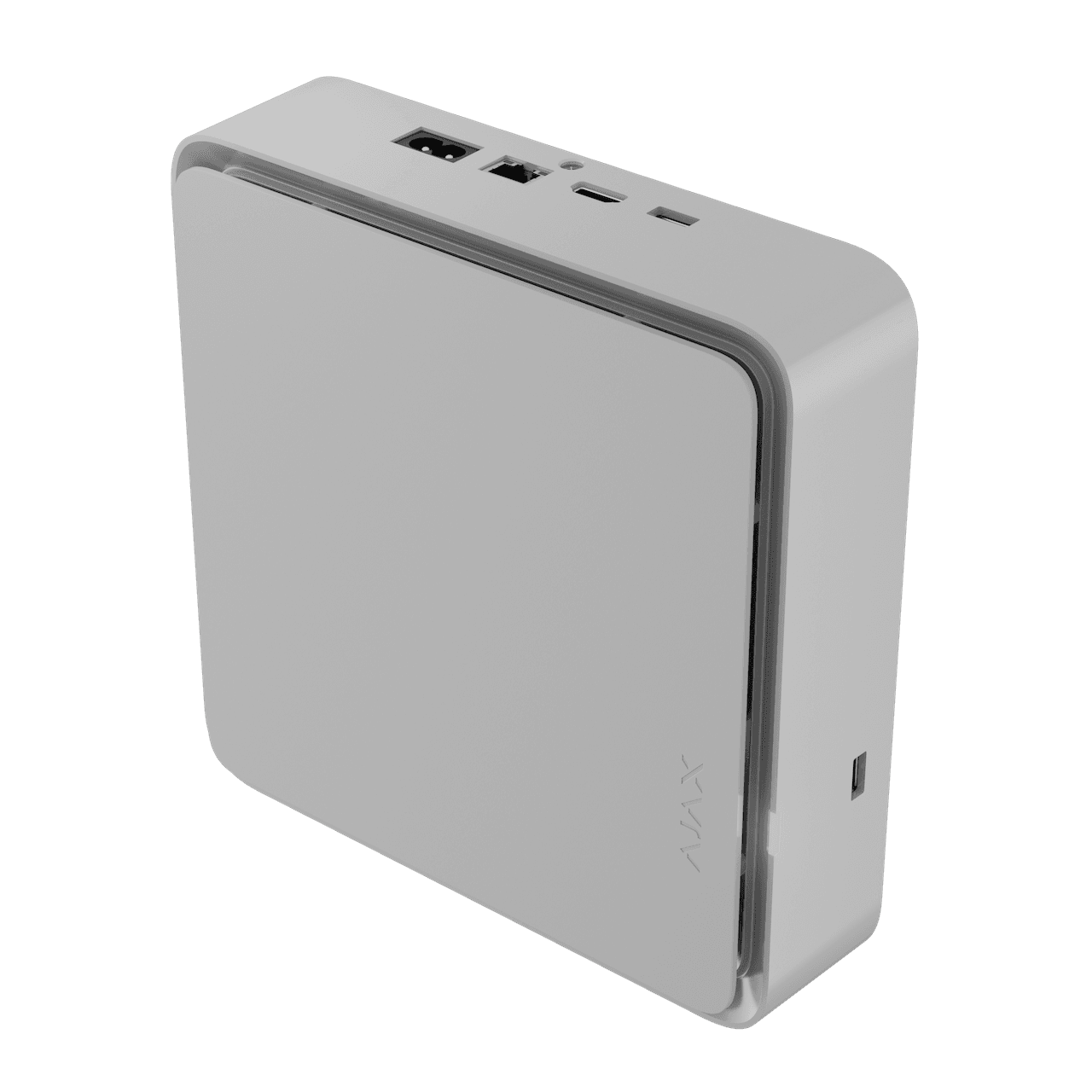
Your camera has recorded a break-in, a hit-and-run or a damaged car. Now what? Many people lose valuable evidence at this stage, because footage is overwritten, saved in the wrong format or edited in a way that makes it hard to trust. This guide explains how to save and export CCTV footage properly, whichever system you use.
Act quickly: footage does not last forever
Most security cameras record in a loop. When the microSD card or NVR hard drive fills up, the oldest recordings are overwritten. Depending on resolution, number of cameras and recording mode, that could be days or weeks, and on a small card even less.
If something has happened, export the relevant clips as soon as you can. Do not wait until the police ask. Also consider temporarily stopping the camera from overwriting, for example by removing the microSD card and storing it safely once you have copied the clip.
Check that your camera clock is correct
A recording is far more useful when the timestamp is accurate. If your camera shows the wrong time or time zone, the footage can be harder to match with other evidence, such as a neighbour's camera or an alarm log.
- Enable automatic time synchronisation (NTP) in the camera or NVR settings if available.
- Set the correct time zone and check daylight saving time adjustments, especially around the clock changes in spring and autumn.
- If you notice the clock was wrong when the incident happened, make a note of the offset, for example "camera clock was 4 minutes slow".
How to export from an NVR
An NVR is usually the easiest source for evidence. Most models let you search by date, time and camera, then export to a USB stick or external drive.
- Find the event using the playback or search function and the camera name.
- Select a start time a few minutes before the incident and an end time a few minutes after.
- Choose the export option and insert a USB drive formatted as the NVR recommends (often FAT32 or exFAT).
- If offered, choose the original format and include the built-in player, because some recorders use a proprietary format that standard players cannot open.
- Check the exported file plays on a different computer before you remove the drive.
Some NVRs also let you export through a computer or app. That is fine, but always confirm the file is complete and not just a short preview.
How to export from a microSD card or app
For Wi-Fi and 4G cameras that record to a microSD card, there are two common routes. The first is to download the clip through the manufacturer's app, usually from the playback or timeline screen. This is quick, but the app may compress the clip or limit its length.
The second is to remove the card and read it on a computer with a card reader. This often gives you the original files, but you should power the camera down first or follow the manufacturer's guidance to avoid corrupting the card. Remember that some cameras store files in a format that needs their own software to play.
If your camera uses cloud storage, look for a download or share function and check how long clips are kept. Cloud retention can be short, so download early.
Keep the original untouched
The golden rule for evidence is simple: never edit the original file. Make a copy for your own use, and keep the first export unchanged on a separate drive.
- Do not trim, crop, compress or add text to the original.
- If you want to share a short clip online or with friends, create a separate copy and keep the full version safe.
- Screenshots are helpful for quick reference, but they are not a replacement for the video.
- Store at least two copies in different places, such as a USB drive and a computer, so a single failure does not lose everything.
Avoid renaming files in ways that remove useful information. A clear structure such as the date, time and camera location in the folder name is fine, as long as the original filename remains intact inside it.
What to prepare for the police or your insurer
Footage on its own is helpful, but a few extra details make it far easier to act on. Write a brief note while the memory is fresh.
- Date and time of the incident, and whether the camera clock was accurate.
- Which camera recorded it and where it is mounted.
- Who exported the footage, when, and from which device.
- Any gaps in recording, such as motion-only recording or a power cut.
- A reference number for the police report or insurance claim, if you have one.
Insurers and police may have their own preferences on format and delivery. Ask what they accept before sending large files, and keep copies of whatever you provide.
Privacy and sharing: stay on the right side of the law
Footage often includes neighbours, passers-by or children. Sharing it with the police or your insurer for a genuine incident is generally reasonable, but posting it on social media is a different matter. It can expose you to privacy complaints, and it can interfere with an investigation.
Rules differ between European countries, and local data-protection guidance applies, so check your national regulator's advice if you are unsure. As a general principle, share only the relevant clip, with the people who need it, and delete unnecessary copies when the matter is closed.
Make future exports easier
A little preparation now saves stress later. Test an export before you need one, so you know where the buttons are and that your USB drive works. Use a reliable high-endurance microSD card or a surveillance-rated hard drive, and check the storage periodically so you know how many days of footage you actually keep.
It also helps to set sensible recording modes. Continuous recording on an NVR gives you the most complete timeline, while motion-based recording saves space but may miss the moments just before an event if pre-recording is not enabled. If your camera offers pre-record, switch it on.
Conclusion
When something happens, move fast, export a little more footage than you think you need, and protect the original file. Check your camera clock now, practise one export, and keep a simple incident note. With those habits in place, your cameras will not just record events, they will give you evidence that is clear, complete and ready to use.
 Buying GuidesMotion Detection Zones and Privacy Masks: Setup Guide
 Buying GuidesSecurity Cameras for Holiday Homes and Cottages: Setup Guide
 Buying GuidesSecurity Cameras in Winter: Cold Weather Tips and Fixes