Buying Guides · actualizado 2026-10-16
Alarm Systems and Cameras Together: How Ajax and EZVIZ Actually Work Side by Side
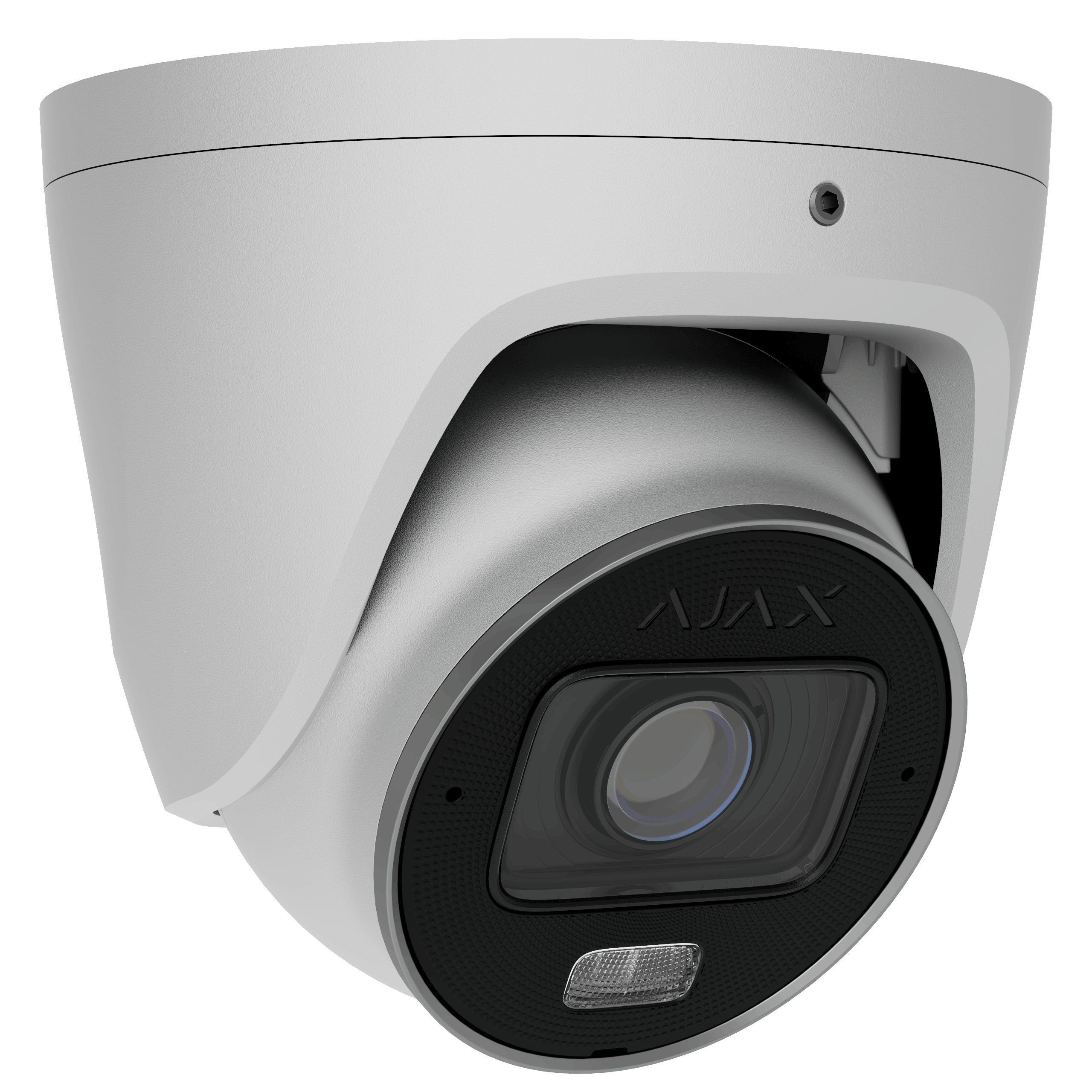
Cameras record what happened. An alarm system tries to stop it happening. Most people eventually want both — and the good news is that modern systems from different manufacturers can work together far more easily than they could a few years ago. Here is how a combined setup actually works in practice, and where the joins are.
What each part is genuinely good at
An alarm system is built around instant, reliable detection: door and window contacts, motion sensors, glass-break detectors, and a siren that makes staying inside unpleasant. Professional systems such as Ajax use dedicated radio protocols with encrypted, supervised links, so a sensor that stops responding raises an alert rather than silently going missing. Battery life is measured in years, not weeks.
Cameras answer the question the alarm cannot: what was that? A motion sensor tells you something moved in the hallway at 03:14. The camera tells you it was the cat. That distinction is the entire difference between a system you trust and one you eventually switch off.
How they connect
There are three practical levels of integration, and it is worth knowing which one you are buying.
Side by side. The alarm app and the camera app both live on your phone. When the alarm fires, you open the camera app to check. This costs nothing extra and works with any combination of brands — including EZVIZ or Imou cameras alongside an Ajax panel. It is clumsier than it sounds on paper, but for a home it is often enough.
Camera in the alarm app. Several alarm platforms let you add camera streams into the alarm interface, so an alarm event shows you the relevant camera immediately. This is the sweet spot for most homes: one app, one notification, one look.
Full event linkage. The alarm triggers camera recording, or a camera’s person detection arms a scenario in the alarm system. This gives the tightest response but usually needs both systems to be from co-operating ecosystems, and sometimes a hub or an automation bridge.
Practical advice before you buy
Decide first whether you want monitoring. A self-monitored system sends alerts to your phone and stops there; a professionally monitored one sends someone. That choice constrains which alarm systems make sense far more than the camera choice does.
Put the sensors on entry points and the cameras on approaches. A camera watching the driveway gives you warning; a door sensor gives you certainty. Overlapping them at the same spot wastes both.
Finally, check the integration claim before you commit. “Works with” can mean anything from deep event linkage to two separate apps. Ask specifically what happens on your phone when the alarm fires at 3am.
Browse our alarm systems and pair them with cameras from our PoE range for wired reliability, or 4G and Wi-Fi models where cabling is not an option. Tell us about your property at [email protected] and we will suggest a combination that fits — all with official EU distribution and full warranty.
 Buying GuidesMotion Detection Zones and Privacy Masks: Setup Guide
 Buying GuidesSecurity Cameras for Holiday Homes and Cottages: Setup Guide
 Buying GuidesSecurity Cameras in Winter: Cold Weather Tips and Fixes