Buying Guides · ενημερώθηκε 2026-10-25
Fisheye Security Cameras: When a 360° Panoramic View Makes Sense
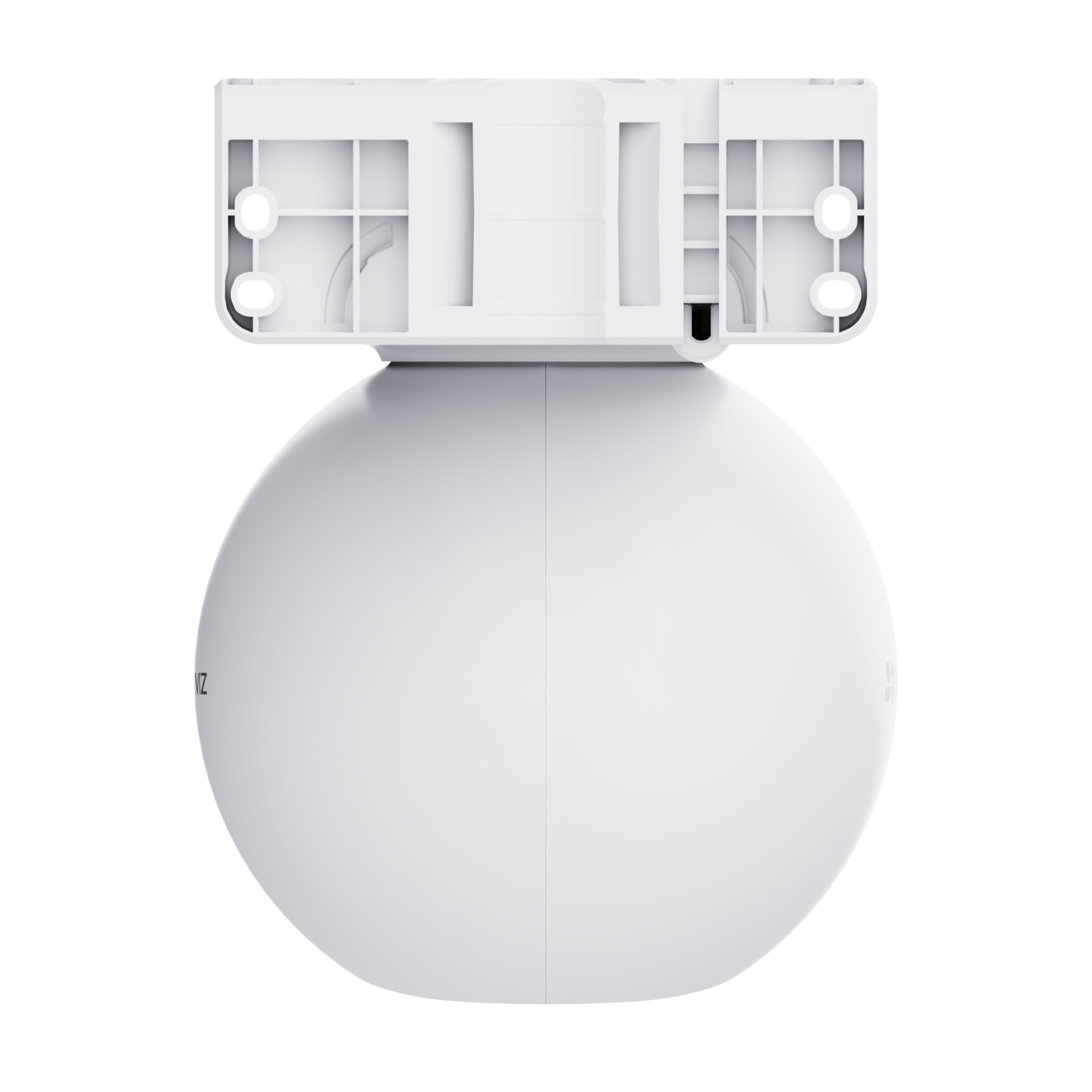
What Is a Fisheye Security Camera?
A fisheye camera uses a very wide, strongly curved lens. When it is mounted on a ceiling it can see the entire room below it in one circular image. Instead of covering one direction, it covers everything from wall to wall. Brands such as EZVIZ, Hikvision, Dahua and Imou all offer panoramic or fisheye models. The basic idea is the same across all of them: replace several cameras pointing in different directions with a single device and no blind spots beneath it.
With the dark evenings now here and the pre-Christmas season starting, many small shops, offices and home owners are checking their indoor coverage. A fisheye camera is often the neatest answer, but it is not the right tool for every job. This guide explains how these cameras work, where they shine and where you would be better off with something else.
How Dewarping Turns a Circle into Usable Video
The raw image from a fisheye lens looks like a round, bulging picture. People near the edges appear bent and stretched. To make the footage practical, the camera or the viewing software "dewarps" the image. Software flattens the circle into views that look more natural. Typical display modes include:
- Fisheye (original): the full circular image. It is good for an instant overview of the whole space.
- Panorama: the circle unrolled into a wide strip, either as a single 360° band or as two 180° halves.
- Split views: several flattened "virtual cameras", for example four quadrants of a room shown side by side.
- Virtual PTZ: you pan and zoom digitally within the recorded image, including in playback.
The virtual PTZ point is a real advantage over a mechanical PTZ camera. A motorised PTZ only records where it happened to be pointing. A fisheye records the whole scene all the time, so you can look in any direction afterwards.
Check compatibility before you buy. Dewarping may happen inside the camera, in the brand's app, or in a compatible NVR. If you connect a fisheye camera to a recorder from another brand using ONVIF, you may only get the raw circular image without the flattened views. For mixed systems, check the manufacturer's documentation for your exact recorder and camera combination.
Ceiling or Wall Mounting?
Where you mount the camera changes what it can do.
Ceiling mounting
This is the classic installation. Mounted flat in the centre of a ceiling, the camera looks straight down and sees the whole room in a full circle. It suits shops, open-plan offices, kitchens, hallways with several doors, garages and small warehouses. Choose a central point, and try to keep tall shelving from blocking the view of the aisles.
Wall mounting
On a wall the camera covers roughly a 180° half-circle in front of it. You lose the area behind the camera, but you gain a more natural, side-on view of people. Faces are generally easier to see from the side than from directly above. Wall mounting works well in a long room, or where you cannot run a cable to the ceiling.
Whichever you choose, set the mounting mode correctly in the camera settings. Dewarping relies on knowing whether the camera is on a ceiling, wall or table. The wrong setting produces strangely distorted views.
Resolution: Why Megapixels Matter More Here
A fisheye camera spreads its pixels over an enormous area. A resolution that would give crisp detail on a normal fixed camera has to cover the whole room. When you zoom into one corner, the image can look soft.
- Detail is usually best directly under a ceiling camera. It falls off towards the edges of the circle, where objects are furthest away and most compressed.
- Higher-resolution fisheye models hold up better when dewarped and zoomed. They also use more storage and bandwidth.
- Do not expect a fisheye to read number plates or identify faces at the far end of a large room. It shows what happened and where. A dedicated fixed camera is better for who it was.
A sensible rule is to use the fisheye for overview and place a narrower fixed camera at the key point, such as the entrance, till or main door. That camera captures clear faces.
Best Uses for Homes and Small Businesses
Fisheye cameras work best in enclosed spaces where activity can happen in any direction. Good examples include:
- Small shops and kiosks: one camera can watch the shop floor, shelves and counter area together.
- Offices and reception areas: full coverage without a row of cameras on every wall.
- Garages and workshops: they keep an eye on cars, bikes and tools wherever they are parked.
- Open-plan living spaces: they can monitor pets or check on the house while you are away, with privacy masks for areas you do not want recorded.
- Stairwells and corridor junctions: several doors and directions can be covered from one central point.
- Retail heat-mapping and people counting: some business-oriented models offer analytics like these. Check the specific model's features rather than assuming it has them.
Fisheye cameras are much less suited to outdoor perimeters, long driveways, gardens and car parks. In those places the important detail is far from the camera and needs a narrower lens.
Fisheye vs PTZ vs Several Fixed Cameras
All three approaches can cover a large area, but they behave differently.
- Fisheye: it records everything all the time, has no moving parts and fits discreetly on a ceiling. Its weakness is limited detail at distance.
- PTZ (pan-tilt-zoom): a motorised camera that can rotate and, on some models, zoom optically for real detail far away. It only records the direction it is facing, so events behind it can be missed. Indoor pan-tilt models are a good budget alternative for homes, but they still have this one-direction-at-a-time limitation.
- Several fixed cameras: these give the best detail where it matters most. They need more cabling, more recorder channels and more mounting points.
For many small businesses the most cost-effective layout is a mix. Use one fisheye in the middle of the room and one or two fixed cameras at entrances and the till.
Practical Setup Tips
- Power and connection: Wi-Fi fisheye models are simple for homes. For business premises, a PoE camera gives a stable wired connection and power over one cable.
- Night vision: built-in infrared on a fisheye is designed for indoor distances. In a large, dark space the edges may be dim. If possible, leave a low night light on, or position the camera centrally so the IR reaches every wall evenly.
- Ceiling height: a normal room height works well. Very high ceilings mean everything is further away, which reduces detail across the whole image.
- Storage: high-resolution panoramic streams can be large. Use an endurance-rated microSD card or size your NVR hard drive with the extra data in mind. H.265 compression helps if the camera and recorder support it.
- Privacy: a 360° view sees a lot. Use privacy masks for windows facing neighbours, staff rest areas or private zones. In business premises, display signage as required under GDPR.
- Light and glare: avoid mounting directly next to bright ceiling lights or skylights. A fisheye sees almost the whole ceiling and may be affected by them.
Conclusion
A fisheye security camera is an excellent choice when you want to see an entire room from one discreet point. It suits shops, offices, garages and open-plan homes. Dewarping and virtual PTZ let you look anywhere in the recorded footage. That beats a mechanical PTZ that may have been pointing the wrong way. Its limit is detail at distance, so pair it with a fixed camera wherever you need clear faces. Check that your app or recorder supports dewarping before you buy.
Ζητήστε προσφορά εγκατάστασης Προβολή όλων: Πανοραμικές κάμερες και κάμερες fisheye →
 Buying GuidesFilming Through a Window: Security Cameras Behind Glass
 Buying GuidesSecurity Camera Brackets: Corner, Pole and Junction Box Mounts
 Buying GuidesmicroSD Card Not Recording? Security Camera Fixes and Checks