Buying Guides · zaktualizowano 2026-11-16
Away for Christmas? Security Camera Checklist Before You Go
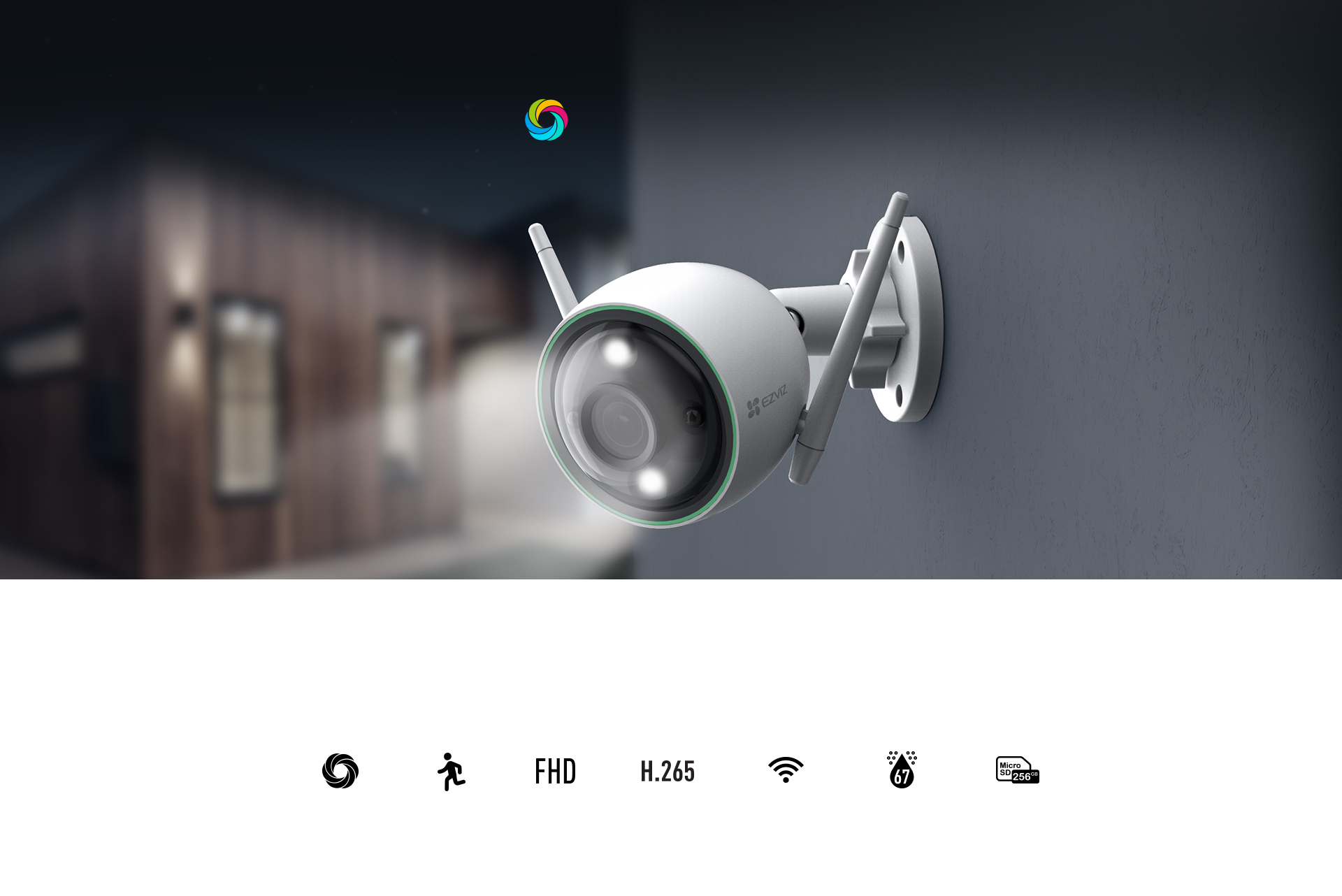
Why a Pre-Holiday Camera Check Matters
Late December is one of the quietest times of year in many neighbourhoods. Houses stand empty for days, it is dark for most of the afternoon and evening, and snow or ice can change how outdoor cameras behave. A security camera only helps if it is recording, sending alerts and reachable from your phone. You do not want to discover a full memory card or an offline camera after you get back.
This checklist covers what to test a few days before you leave. It applies to Wi-Fi, battery, 4G and PoE systems from brands such as Reolink, EZVIZ, Hikvision, Imou and Dahua. Most of the checks take only a few minutes. The aim is to find problems while you are still at home and can fix them easily.
1. Check Storage: Cards, Hard Drives and Cloud
Storage is the most common thing that fails without anyone noticing. Before you travel:
- Open the storage status in the app or on the NVR. Confirm that the microSD card or hard drive shows as normal, not as unformatted, read-only or with errors.
- Play back yesterday's footage from each camera. A status screen saying "recording" is not proof. Seeing actual clips is.
- Check that overwrite is enabled, so the oldest footage is replaced when the storage fills up. Without it, recording can simply stop.
- Replace tired microSD cards. If a card has been recording around the clock for a long time, consider a high- or max-endurance card made for continuous video. Format the new card in the camera itself, not on a computer.
- Confirm your cloud plan is active if you rely on cloud recording, and that the camera is actually uploading clips.
If anything important happens while you are away, download or export those clips as soon as you can. On local storage they will be overwritten in time.
2. Prepare for Darkness, Snow and Cold
In northern Europe, a camera spends most of a December day in night mode. That makes night performance and weather protection especially important.
- Clean the lens and housing. Dust and spider webs that you barely notice in daylight reflect infrared light at night and cause hazy images and false alerts.
- Check for snow build-up. Cameras without a sunshield can collect snow on the front glass. If snow regularly covers a lens, a hood, a more sheltered position under the eaves or a slightly downward angle can help.
- Review night images now, not in daylight. Look at a live view after dark. Make sure entrances, paths and driveways are lit well enough and that faces are not lost in glare.
- Consider leaving an outdoor light on a timer or motion sensor. Extra light improves image quality, helps colour night vision cameras and also deters intruders.
- Battery cameras lose capacity in the cold. Charge them fully just before you leave. Check that solar panels are clear of snow, and remember that panels produce very little in the short days of midwinter.
3. Keep Power and Internet Running
A short power cut or a router that crashes can take the whole system offline for your entire trip. Think about what keeps your cameras alive:
- Do not switch off the router or any extension lead or socket your cameras, PoE switch or NVR depend on. It sounds obvious, but it is a classic pre-holiday mistake when people turn off "everything" before leaving.
- Use a UPS for the router, NVR and PoE switch if power cuts are common in your area. Even a modest UPS bridges short outages and protects against damage when power returns.
- Check that devices restart on their own after a power cut. Unplug the router and NVR briefly and confirm that everything comes back online without your help.
- For 4G cameras, check the SIM's remaining data allowance and expiry date. A prepaid SIM that runs out on 24 December means no alerts until you return. Reduce live-view time while you are away to save data.
4. Set Up Alerts You Will Actually Read
On holiday, you will not want your phone buzzing every time a branch moves. You also do not want to miss the one alert that matters. Spend some time tuning notifications:
- Use person and vehicle detection where your camera supports it, rather than plain motion detection. Snowfall, headlights and swaying trees cause far fewer alerts this way.
- Adjust detection zones. Remove the public street, a neighbour's drive or a busy hedge, and focus on doors, windows, gates and parking areas.
- Switch on away-mode schedules if your app offers them. Alerts that you usually disable while you are at home can be enabled for the whole trip.
- Test notifications from outside your home network. Turn off Wi-Fi on your phone, walk in front of a camera and confirm the alert arrives over mobile data.
- Check phone settings. Battery-saving modes and notification permissions can silently block camera app alerts.
5. Remote Access, Passwords and Sharing
Being able to see your property from a distance is the whole point. Make sure access is both working and secure:
- Log in from your mobile network to every camera and recorder, and open both live view and playback.
- Update firmware and the app a few days before you leave, not on the day. That leaves time to fix any issues an update causes.
- Use strong, unique passwords and two-factor authentication where available. Never share your main admin account.
- Share access with a trusted neighbour or relative through the app's device-sharing feature, ideally with live-view-only permissions. A person nearby can react much faster than you can from abroad.
- Agree a plan for what you will do if an alert shows something suspicious: who checks on the house, and when you call the police.
6. Doorbells, Parcels and Privacy Masks
December brings a lot of deliveries, and a parcel left on the step announces that nobody is home. Ask couriers to use a parcel locker or a neighbour while you are away. Also check that your video doorbell's chime, quick replies and two-way audio work through the app. Answering the door from your phone gives the impression that someone is at home.
If your cameras record areas beyond your property, check your privacy masks and detection zones before you leave. European privacy rules still apply during the holidays. Keep cameras pointed at your own entrances and grounds, and keep any CCTV warning signs visible and clear of snow.
A Quick Final Run-Through
On the day before departure, take ten minutes to walk through the whole system:
- Every camera shows live view in the app over mobile data.
- Playback works for the last 24 hours on every camera.
- Storage reports a healthy status and has overwrite enabled.
- Test alerts arrive on your phone and on your neighbour's phone.
- Battery cameras are fully charged and 4G SIMs have data.
- The router, NVR and PoE switch are on, and protected by a UPS if possible.
- Lenses are clean, and outdoor lighting is set to a timer or motion sensor.
Conclusion
A security camera system is most valuable when you are far from home, but that is also when a small fault can go unnoticed for days. Check storage, power, night images, alerts and remote access before you go. Share access with someone nearby. Most problems surface during these checks, while they are still easy to fix, and you can then enjoy the holidays knowing your cameras are recording.
Poproś o wycenę montażu Zobacz wszystkie: Kamery monitoringu →
 Buying GuidesOświetlenie zewnętrzne a kamery monitoringu: lepszy obraz nocą
 Buying GuidesMounting Cameras on Insulated Facades Without Leaks
 Buying GuidesCo oznaczają ColorVu i WizSense? Technologie Hikvision i Dahua