Buying Guides · aktualisiert 2026-10-16
Kabelgebunden, kabellos oder Solarenergie: Eine Sicherheitskamera dort mit Strom versorgen, wo es keine Steckdose gibt
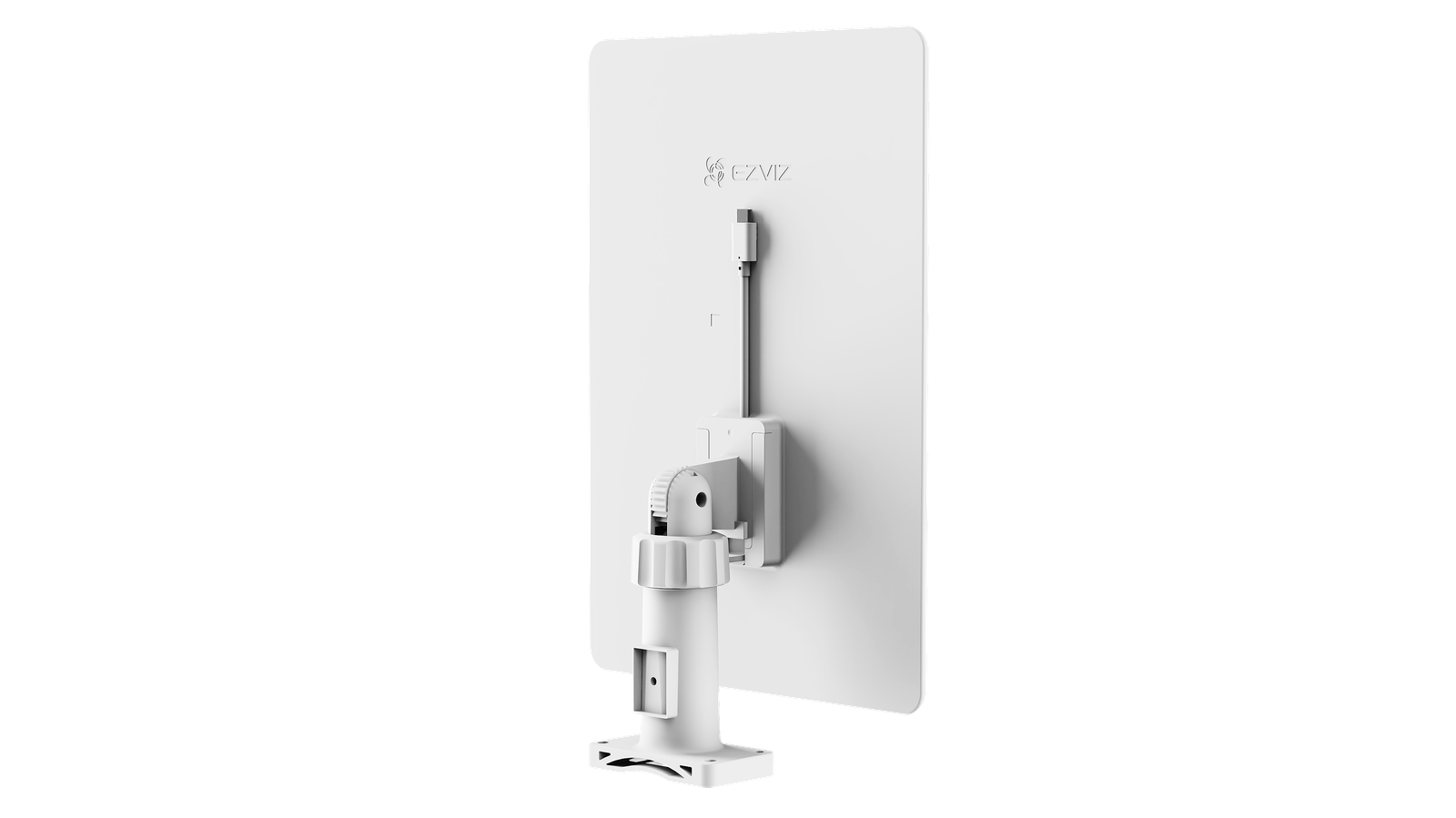
You have found the perfect spot for a security camera: the far corner of the yard, a gate at the end of the driveway, a barn, a construction site. There is only one problem — no power socket anywhere near it. This is one of the most common questions we get, and the good news is that there are three proven ways to solve it. Here is how wired, wireless and solar-powered setups compare, and how to pick the right one for your location.
Option 1: Verlegen Sie trotzdem ein Kabel (PoE)
Wenn es eine realistische Möglichkeit gibt, ein Kabel an den Ort zu bringen, ist dies immer noch die zuverlässigste Wahl. PoE-Kameras receive both power and data through a single network cable, so you do not need an electrician — just one Cat5e or Cat6 cable back to your switch or recorder. A single run can be up to 100 metres long, which covers most gardens, warehouses and car parks with room to spare.
The advantages are hard to beat: no batteries to charge, no signal drop-outs, continuous 24/7 recording and support for higher-resolution cameras. The downside is the installation work — digging a shallow trench or fixing conduit along a wall takes time. As a rule of thumb: if the cable run is under 100 metres and you only have to do it once, PoE pays off for years.
Option 2: Batteriebetriebene Wi-Fi- oder 4G-Kameras
When cabling is impossible — a rented property, a listed building, a temporary site — a 4G- oder Wi-Fi-Kamera with a built-in battery is the fastest solution. Installation takes minutes: mount the bracket, connect the camera to your Wi-Fi network, and it is live. Where there is no Wi-Fi at all, choose a 4G model and insert a SIM card — the camera streams over the mobile network instead.
Batterie-Kameras sparen Strom, indem sie nur bei Bewegungserkennung aufzeichnen, statt durchgehend. Bei typischer Nutzung hält eine Ladung mehrere Wochen bis einige Monate, je nachdem, wie belebt die Szene ist und wie kalt es wird. Schauen Sie sich unsere Übersicht der batteriebetriebenen 4G- und Wi-Fi-Kameras an, wenn Sie eine Kamera suchen, die Sie wirklich überall installieren können.
Option 3: Fügen Sie ein Solarpanel hinzu und vergessen Sie das Laden
The weak point of any battery camera is the recharging routine. A small solar panel — typically 4 to 8 watts — removes it entirely. The panel tops the battery up during the day, and the camera keeps a reserve for nights and overcast weather. A correctly positioned panel keeps a motion-activated camera running year-round, including in northern climates: quality panels and battery packs are rated to work and charge well below freezing.
Three placement rules make or break a solar setup: face the panel towards the south if possible, tilt it at roughly 30–45 degrees so rain rinses it clean, and make sure nothing shades it at midday. Wipe the glass a couple of times a year — dust and pollen quietly reduce output.
Welche sollten Sie wählen?
Ask yourself three questions. First, can a cable physically get there? If yes, PoE gives you the most dependable system with zero maintenance. Second, is there usable Wi-Fi coverage at the spot? If yes, a battery Wi-Fi camera is the budget-friendly middle ground. Third, is the site completely off-grid — no power, no internet? Then a 4G camera with a solar panel is purpose-built for exactly this: gates, fields, boats, cabins and construction sites.
Also think about power for the rest of the system. Recorders, switches and routers need a socket somewhere — our Batterien und Stromversorgungen deckt alles von PoE-Injectoren bis zu Notstromversorgung ab.
Noch etwas: Wo landen die Aufzeichnungen?
Off-grid cameras usually record to a microSD card or to the cloud rather than to a recorder. The differences matter more than most people expect — we compared all the options in our guide to Speicherung für Sicherheitskamerasverglichen. Wählen Sie zuerst den Speicher, und die Stromfrage wird viel leichter zu beantworten.
 Buying GuidesMotion Detection Zones and Privacy Masks: Setup Guide
 Buying GuidesSecurity Cameras for Holiday Homes and Cottages: Setup Guide
 Buying GuidesSecurity Cameras in Winter: Cold Weather Tips and Fixes